How it works
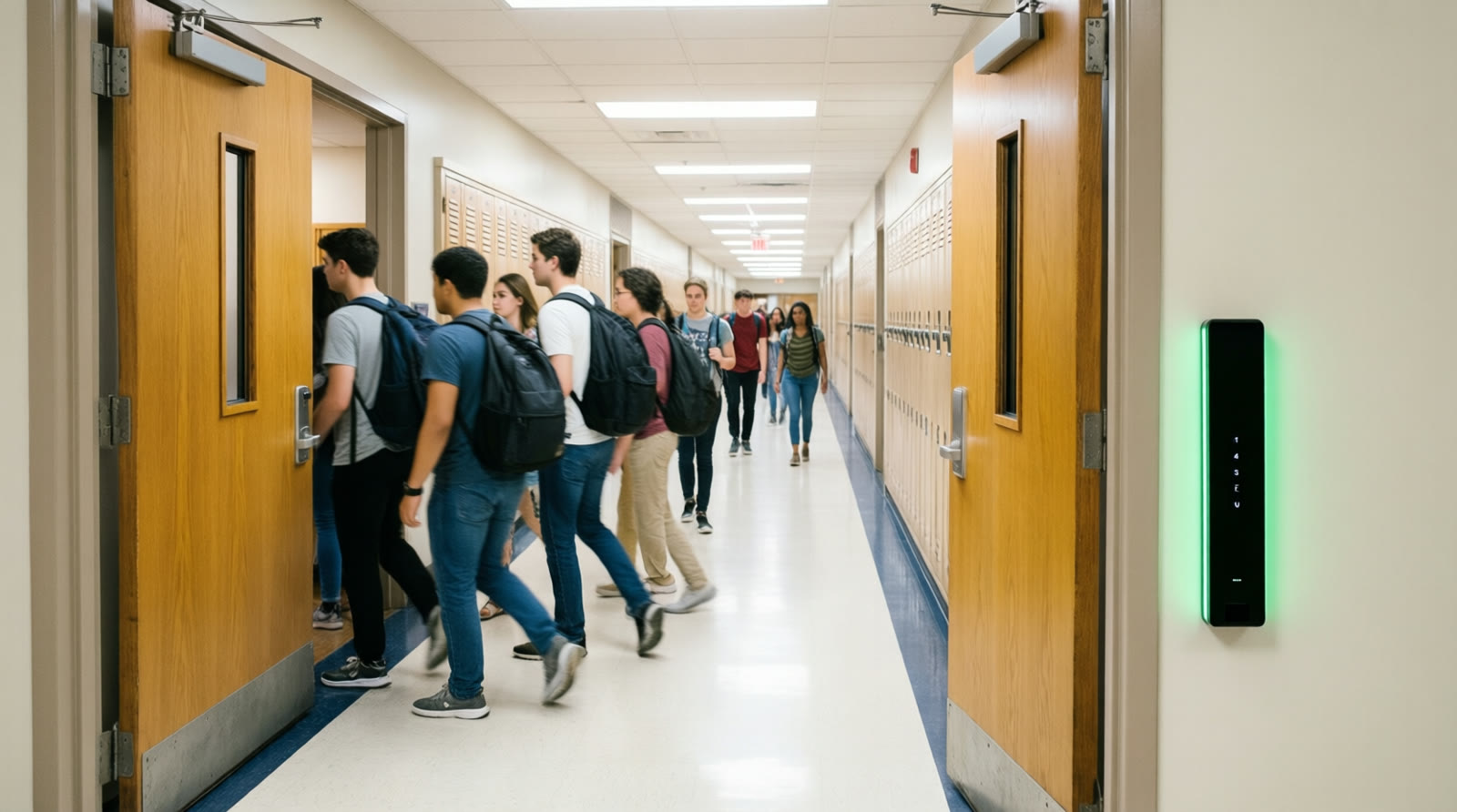
A normal school day. Doors that are never left open.
ClassLock runs quietly in the background. Students and teachers barely notice it. Intruders cannot get past it.
The idea in one sentence
A classroom door should open for the people who belong in that room, at that time, and for no one else.
Offices, hospitals and government buildings have worked this way for thirty years. Schools have the one thing those buildings lack: a precise, minute‑by‑minute record of who is supposed to be where. It is called the master schedule. ClassLock turns it into an access policy.
Credential
Students and staff use what they already carry: a school ID badge with an RFID chip, a phone credential, or a printed QR pass for substitutes and visitors. No biometrics.
Schedule check
Every night, ClassLock syncs rosters and the bell schedule from the student information system. Each door controller stores its own copy of who is allowed through, in which periods.
Decision at the door
When a badge is presented, the controller compares it with its local rules and its own clock. Grant or deny takes milliseconds and needs no server, no cloud and no internet.
A day with ClassLock
From the first bell to dismissal
7:40 am, teachers arrive
A teacher's badge opens their own rooms all day and any room they cover. Doors can be set to stay unlocked for a few minutes before each period so students flow in without a line, then relock when class starts.
8:05 am, first period
A student arriving late taps the reader. They are on the roster for this room and period, so the door opens and the arrival is logged. A student who belongs in a different room gets a red light and a reason on the office dashboard.
10:20 am, a substitute
The office issues a QR pass that works for the rooms and periods the substitute is covering today. It expires at dismissal.
12:10 pm, lunch and passing periods
Doors behave the way the school chooses: unlocked on a timer for the rush, or credential‑only. Inside the room, the lever always opens the door. Nobody is ever locked in.
When it matters
Lockdown in one motion, from anywhere

A lockdown can be triggered from the office dashboard, a phone, a panic‑button system such as those required by Alyssa's Law, or a button inside the classroom. Every controller holds its door secured and ignores ordinary credentials. First‑responder and administrator credentials still work.
Because every door has a position sensor, the dashboard shows the truth: not which doors were told to lock, but which doors are physically closed and latched. A door standing open during a lockdown turns red on the map and alerts the office.
- Room isolation: lock a single room or wing without disrupting the building.
- Drill reports: every drill produces a door‑by‑door timeline you can file with the district and the fire marshal.
- Responder view: police arriving on scene see which rooms are secured and which are not.
What's on the door
Standard commercial hardware. Nothing exotic.
Every part is a catalog item that door and access‑control contractors install every week. That is the point: ClassLock is a software layer on proven hardware, not a new kind of lock.
Reader
A mullion or wall reader on the hallway side. Reads badges, phones and QR codes. Lights green or red.
Electric strike
A fail‑secure strike in the frame releases the existing latch for a few seconds on a valid credential. Loses power, stays locked from the hallway. The lever inside always works.
Door sensor + exit sensor
A door position switch reports open or closed. A request‑to‑exit sensor tells the controller that an opening from inside was a normal exit, not a forced entry.
Controller
A UL 294 listed network door controller, powered over Ethernet, holds the rules and makes the decision. One per door, or one per group of doors.
Full technical description, network diagram and controller specifications
Common questions
What teachers and principals ask first
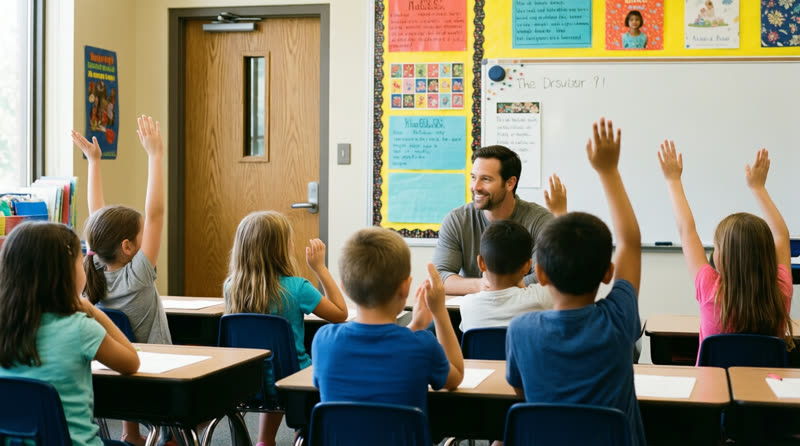
Can anyone get trapped inside?
No. Egress is mechanical. The lever or panic bar on the inside opens the door with one motion, every time, with no credential, no key and no power. ClassLock only controls the hallway side. This is what the life‑safety codes require and what the local fire marshal will inspect.
What if a student forgets their badge?
The same thing that happens today when they forget their lunch card: the office issues a temporary pass. Teachers can also admit a student from inside by opening the door, exactly as they do now. The difference is that the door closes and relocks behind them.
What about passing periods? Will there be lines at every door?
Schools choose. Most set doors to unlock on a timer for the first few minutes of each passing period and relock when class begins. Tapping a badge takes under a second, about the same as a lunch‑line card swipe.
What happens if the network goes down?
Nothing visible. The controller at each door has its own copy of the rules and its own clock. Doors keep working, lockdown buttons keep working, and events are logged locally and synced later.
Does it work with our bell schedule software?
ClassLock syncs rosters and schedules from PowerSchool first, with Infinite Campus and Skyward next, and supports the OneRoster standard that most student information systems export. Schools can also run their own schedule in ClassLock, or a hybrid.
Does it replace our front‑door system or panic buttons?
No. It adds a layer behind them. ClassLock co‑exists with existing exterior access control, visitor management and panic‑button systems, and can take a lockdown trigger from them.
See it on a real door.
We will walk your team through a live system, then scope a pilot wing with your local contractor.